Approve or Reject a Direct Supply Order
Only Direct Supply contractors and clients have access to the Orders menu, and only a Direct Supply client can approve orders. If you don't see the Orders menu, contact Motili Support. For instructions on how to create a Direct Supply order, see Create a Direct Supply Order.
- Click Orders and locate the order.
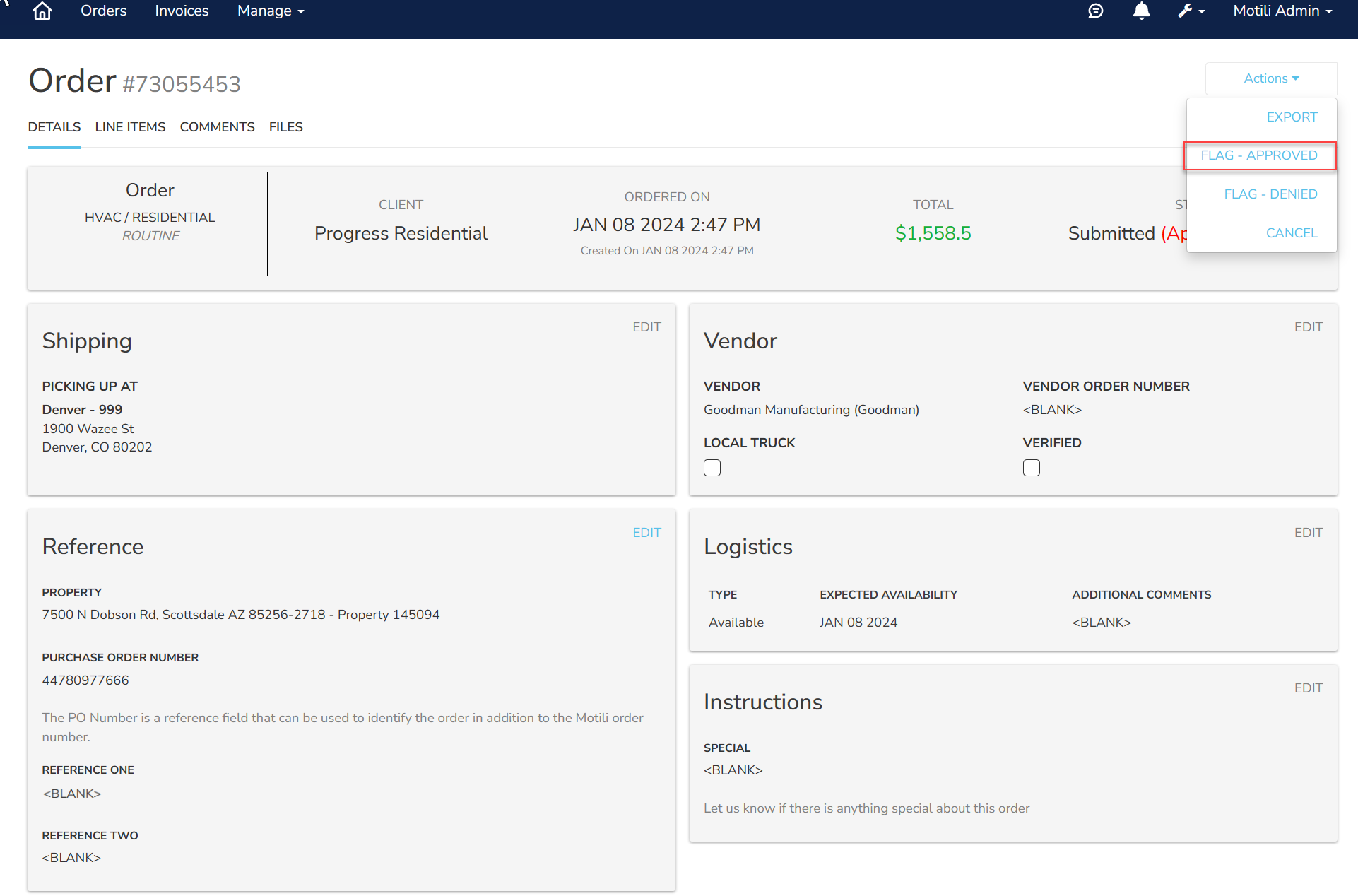
- Click Actions and choose Flag-Approved to approve the order, or choose Flag-Denied to reject the order.

- Verify that the status of the order changed to Approved or Approval Denied. If the order was approved, it moves on to fulfillment.